 View larger
Proofreading marks
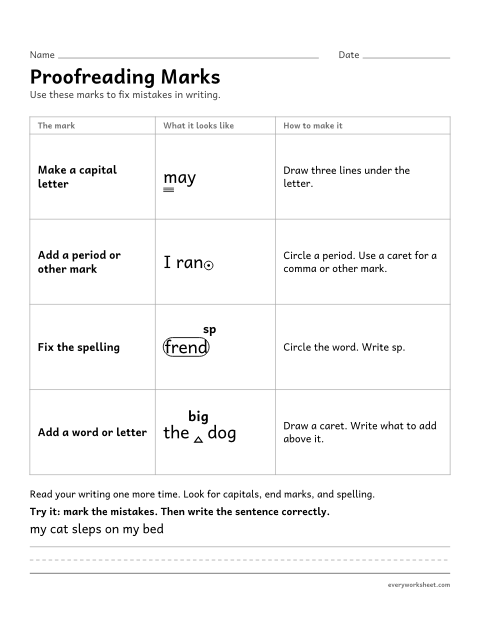
Learning four proofreading marks: capital letter, end mark, spelling, and add a word
1 page31 KB
Proofreading marks charts, original texts with mistakes to find and fix, and sentence editing practice for grades 2-5.
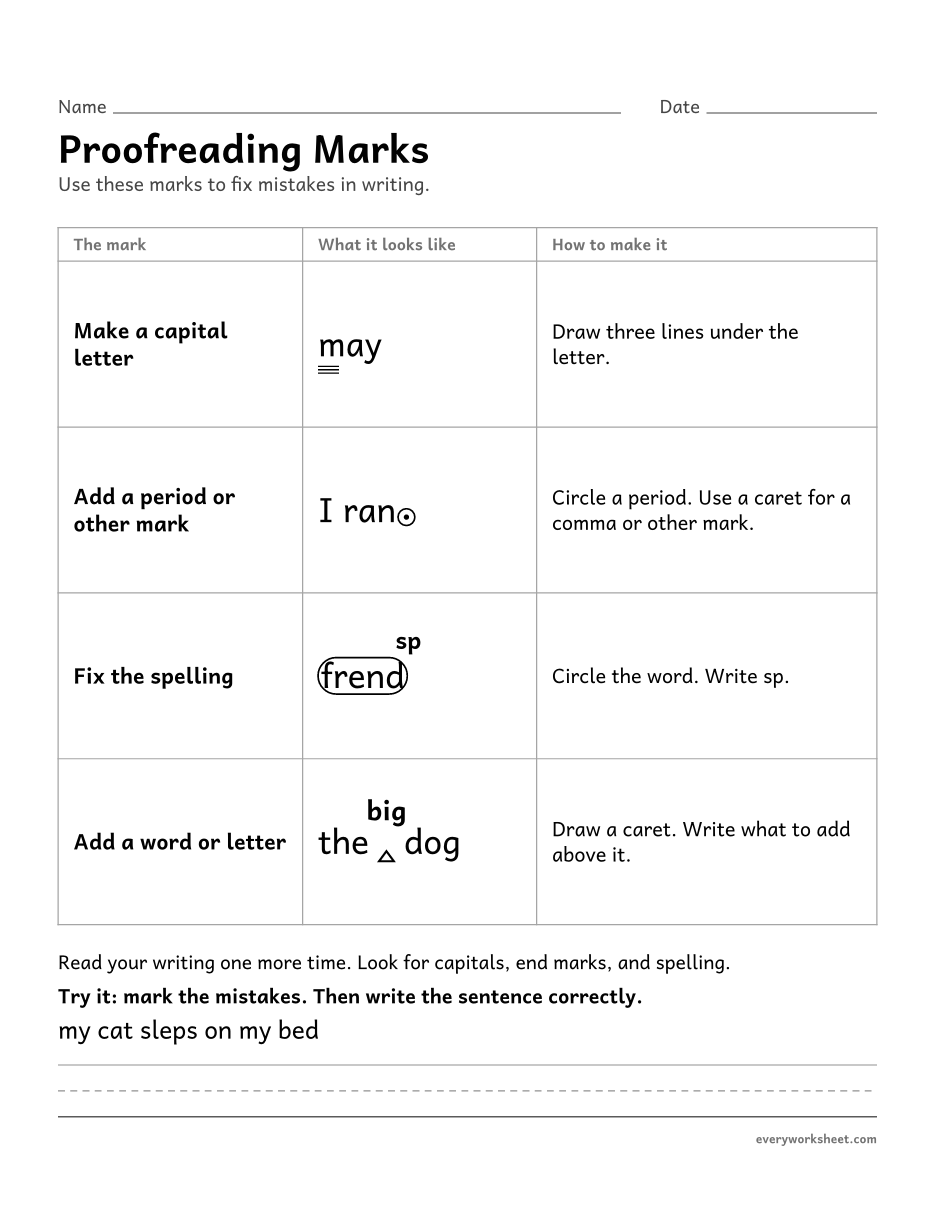
View largerLearning four proofreading marks: capital letter, end mark, spelling, and add a word
1 page31 KB
 View all 2 pages
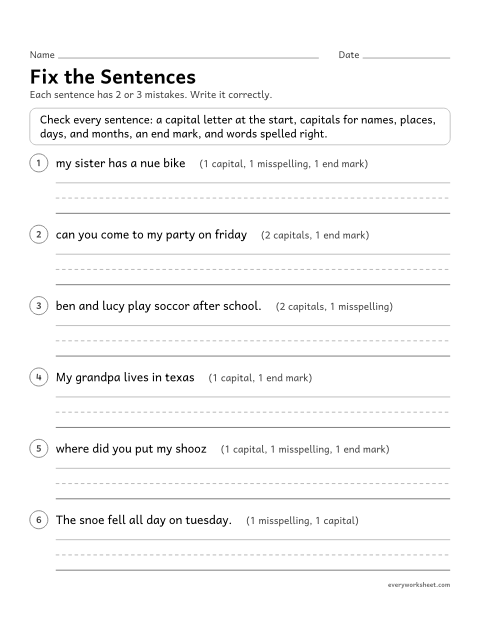
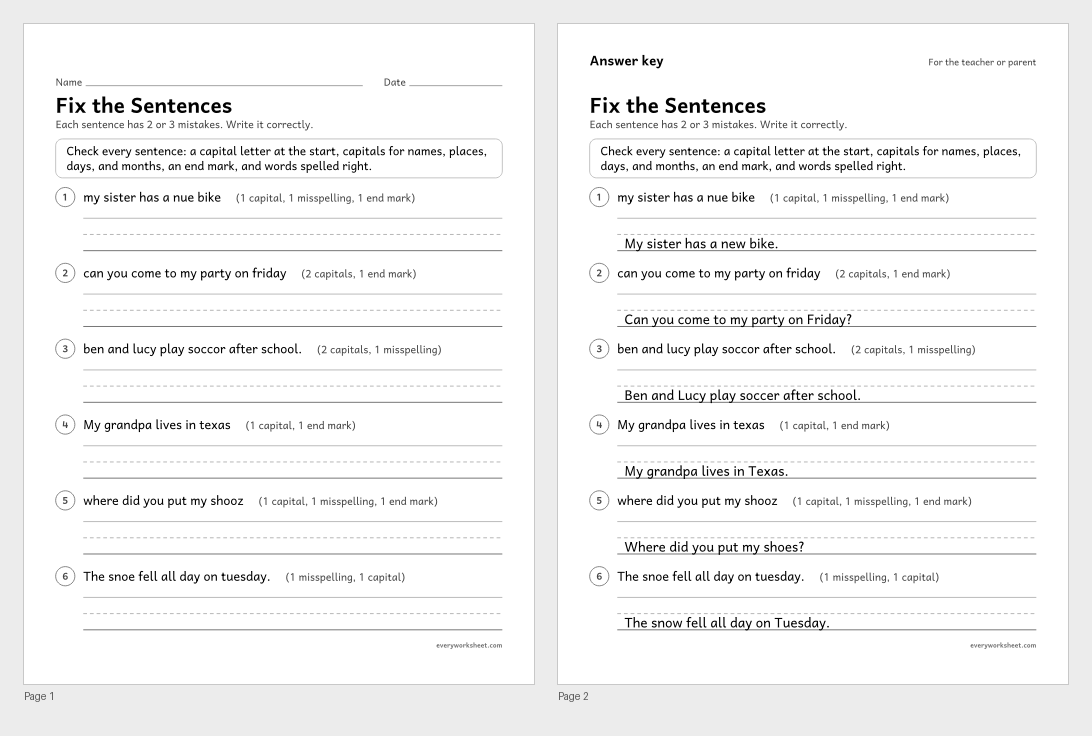
Editing sentences for capital letters, end marks, and spelling
Answer key on page 2
2 pages38 KB
 View all 2 pages
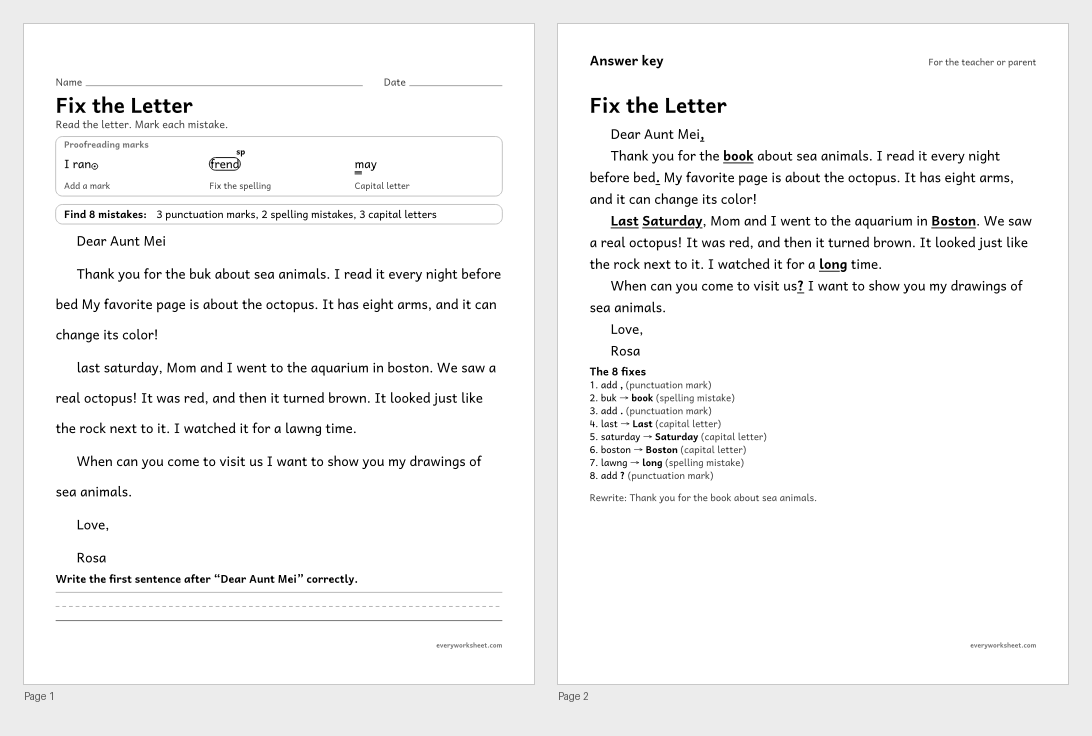
Proofreading a friendly letter for capitals, end marks, a greeting comma, and spelling
Answer key on page 2
2 pages42 KB
 View all 2 pages
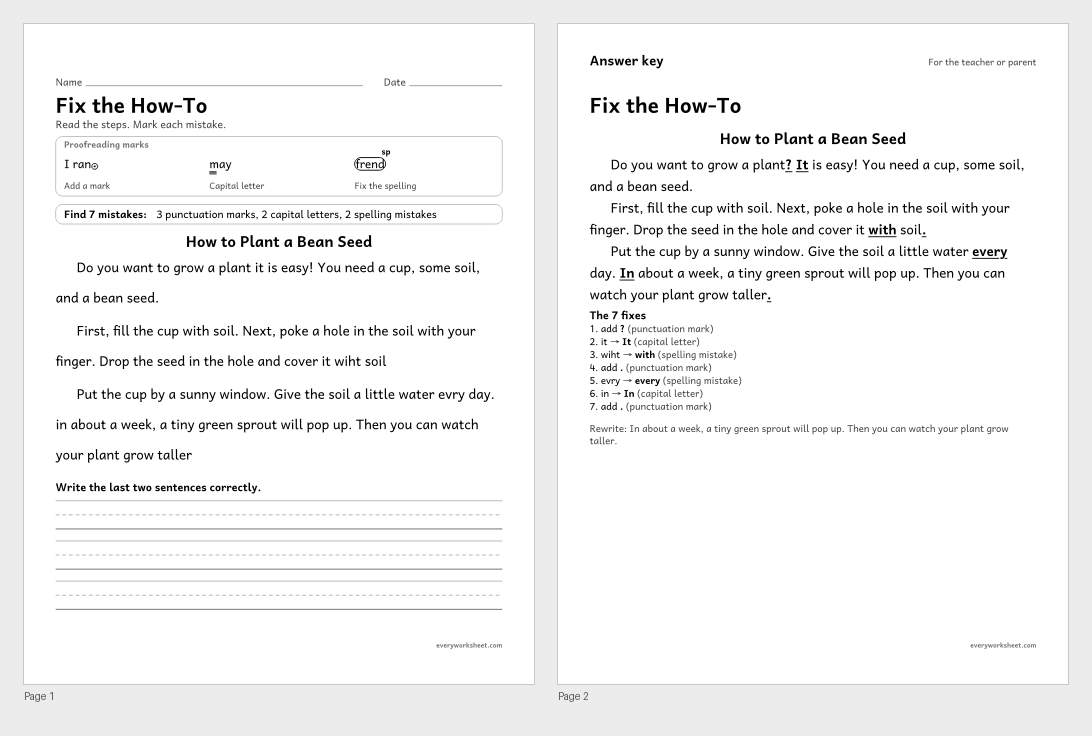
Proofreading how-to writing for capitals, end marks, and spelling
Answer key on page 2
2 pages40 KB
 View larger
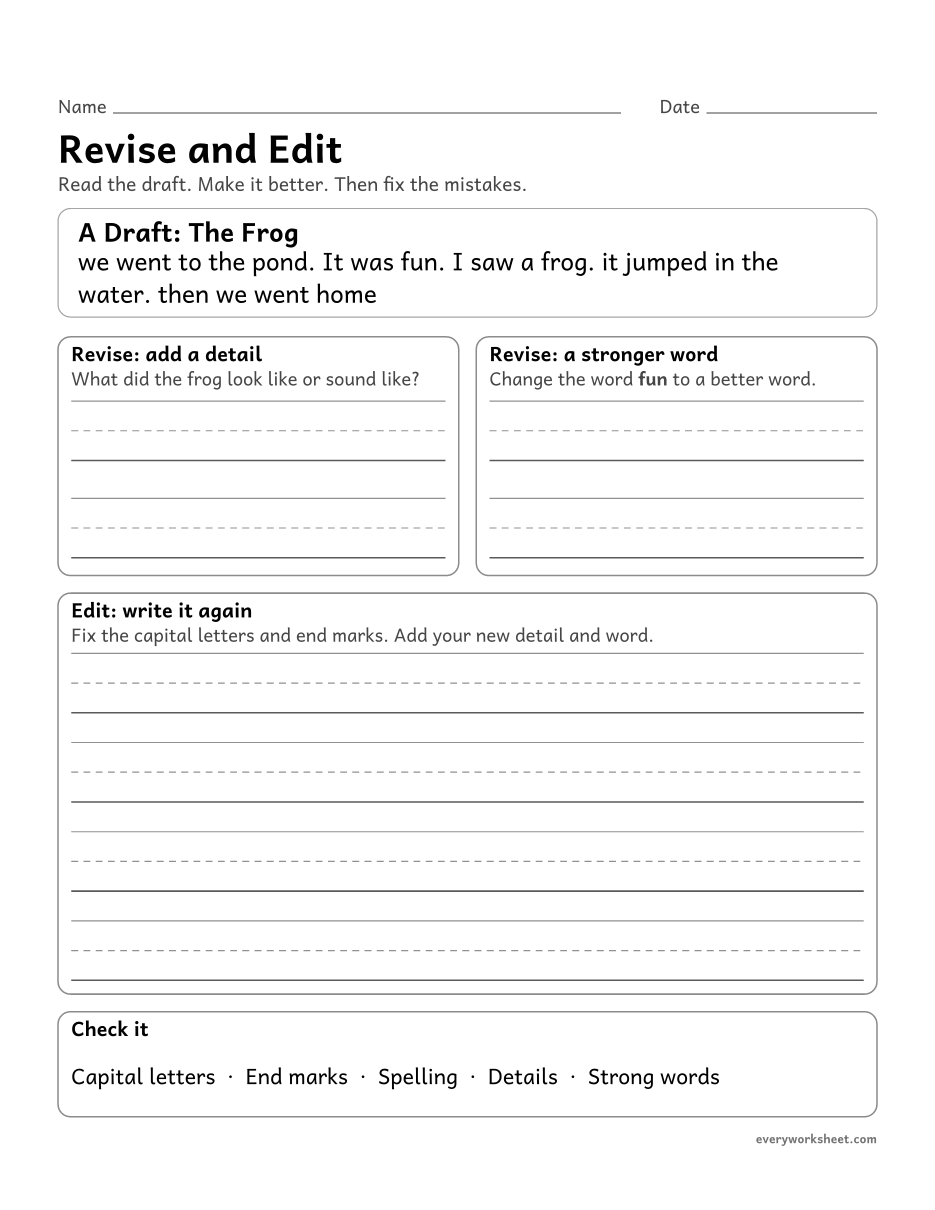
Revising a draft by adding details and stronger words, then editing capitals and end marks
1 page29 KB
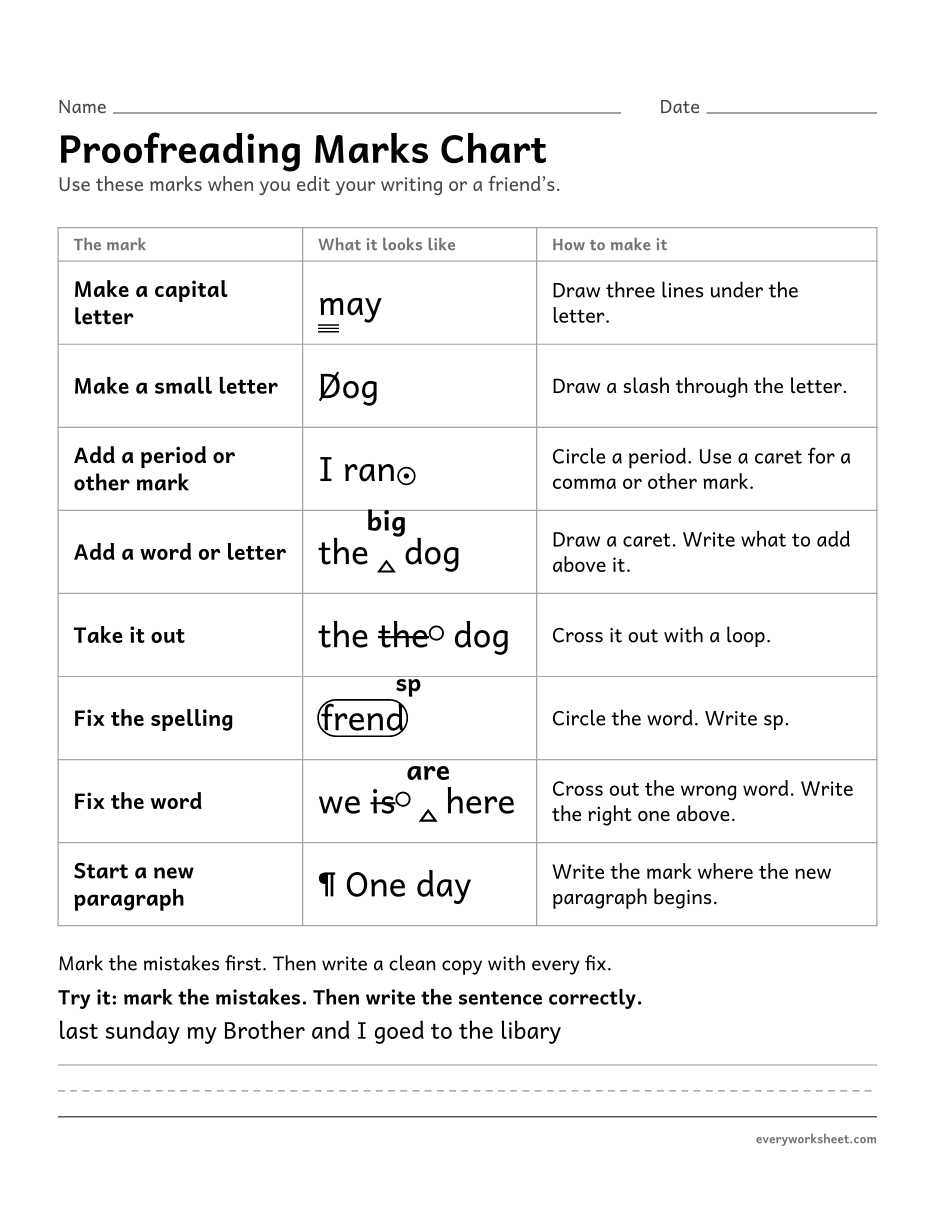 View larger
Learning the proofreading marks for capitals, small letters, punctuation, adding, taking out, spelling, word fixes, and new paragraphs
1 page36 KB
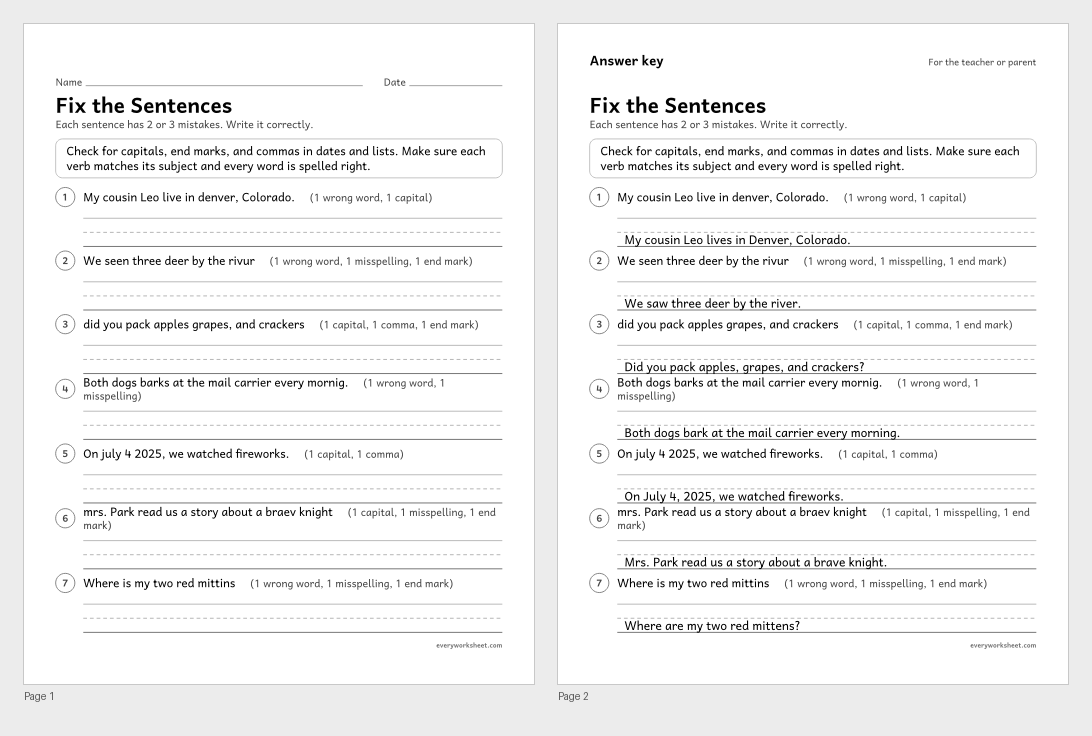 View all 2 pages
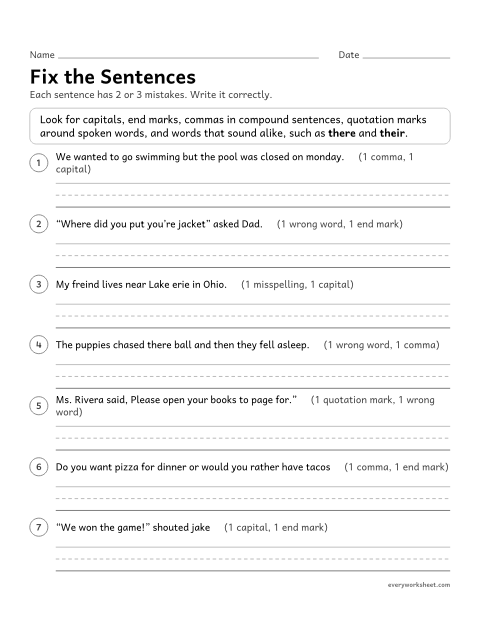
Editing sentences for capitals, end marks, commas, spelling, and verb forms
Answer key on page 2
2 pages41 KB
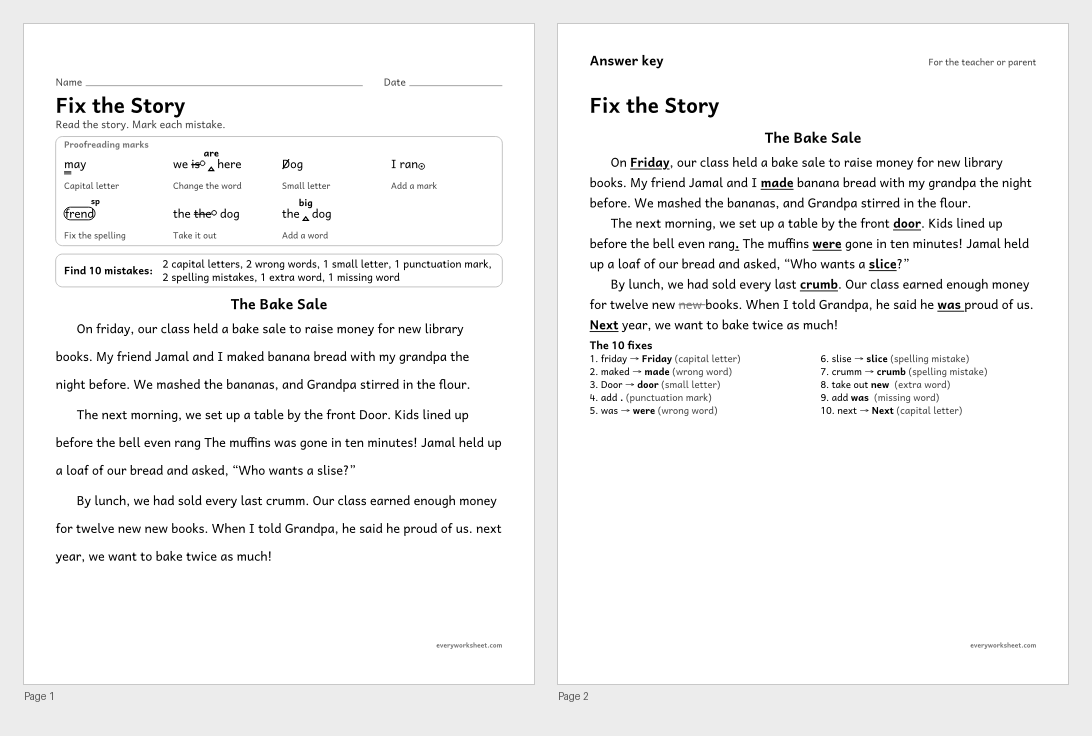 View all 2 pages
Proofreading a story for capitals, small letters, end marks, spelling, verbs, and extra or missing words
Answer key on page 2
2 pages47 KB
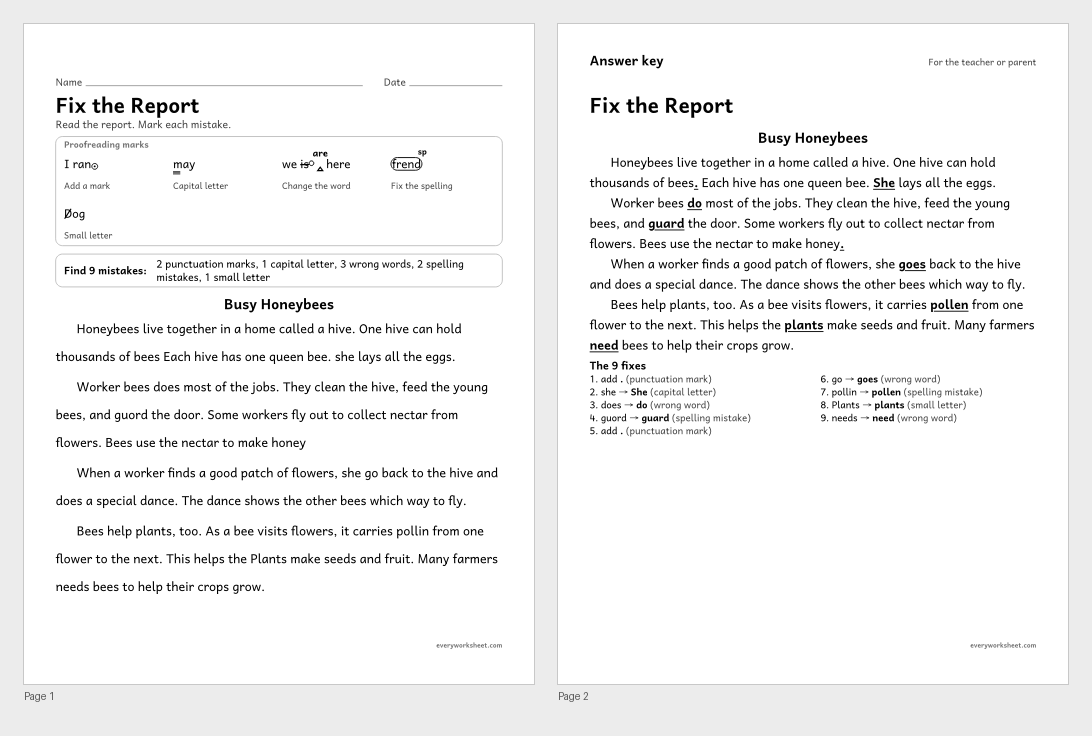 View all 2 pages
Proofreading a short report for subject-verb agreement, capitals, end marks, small letters, and spelling
Answer key on page 2
2 pages45 KB
 View all 2 pages
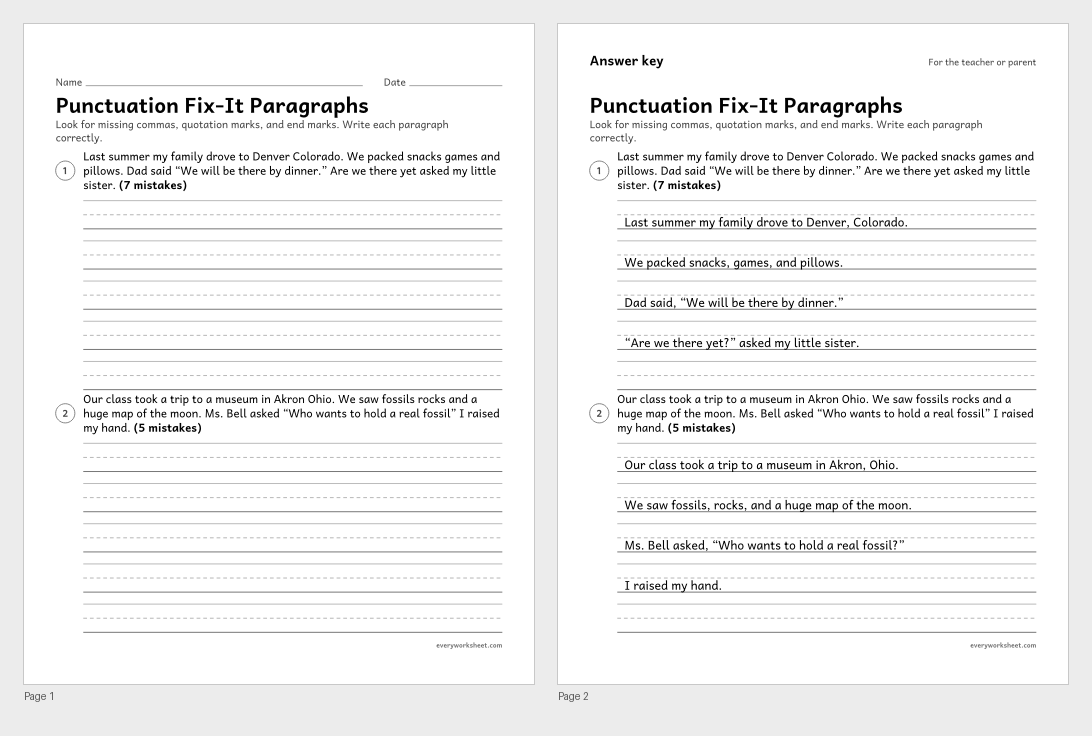
Editing a paragraph for commas, quotation marks, and end marks
Answer key on page 2
2 pages34 KB
 View all 2 pages
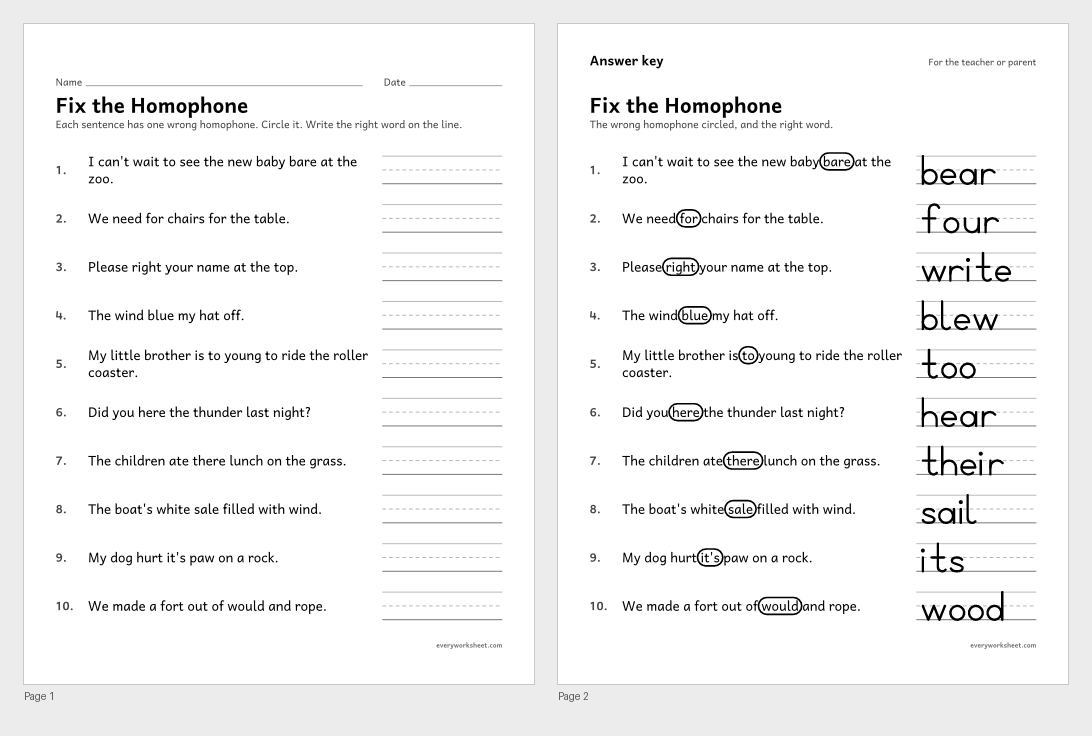
Finding and fixing the wrong homophone in a sentence
Answer key on page 2
2 pages46 KB
 View all 2 pages
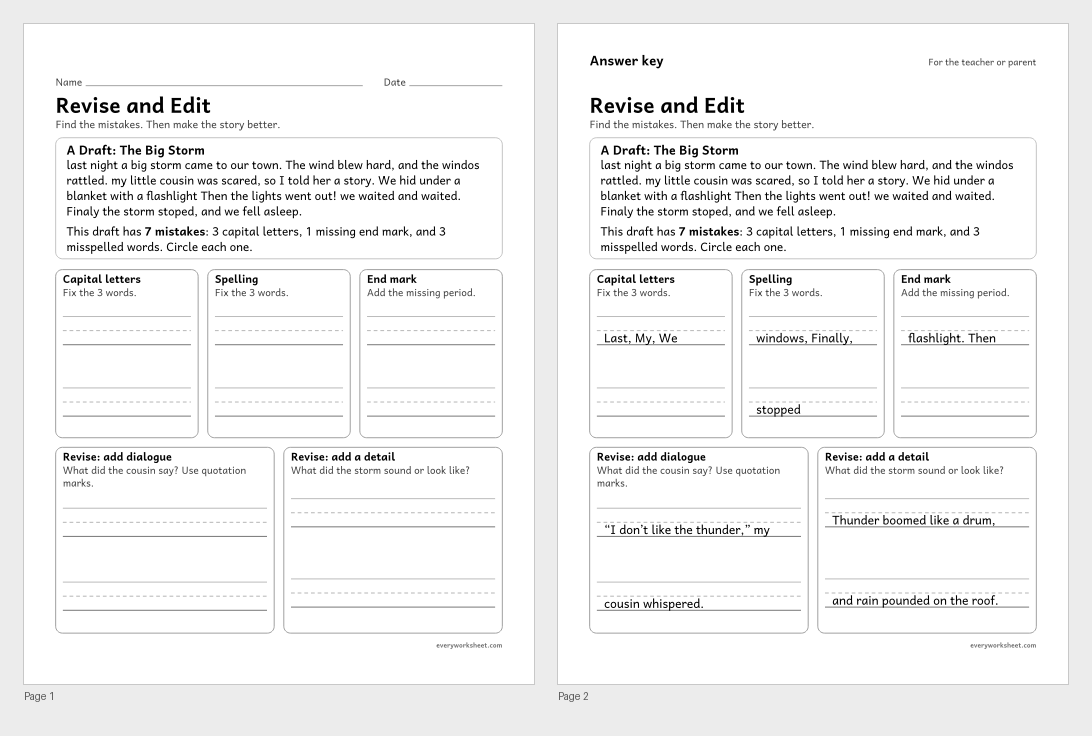
Editing a draft for capitals, end marks, and spelling, then revising it with dialogue and details
Answer key on page 2
2 pages37 KB
 View all 2 pages
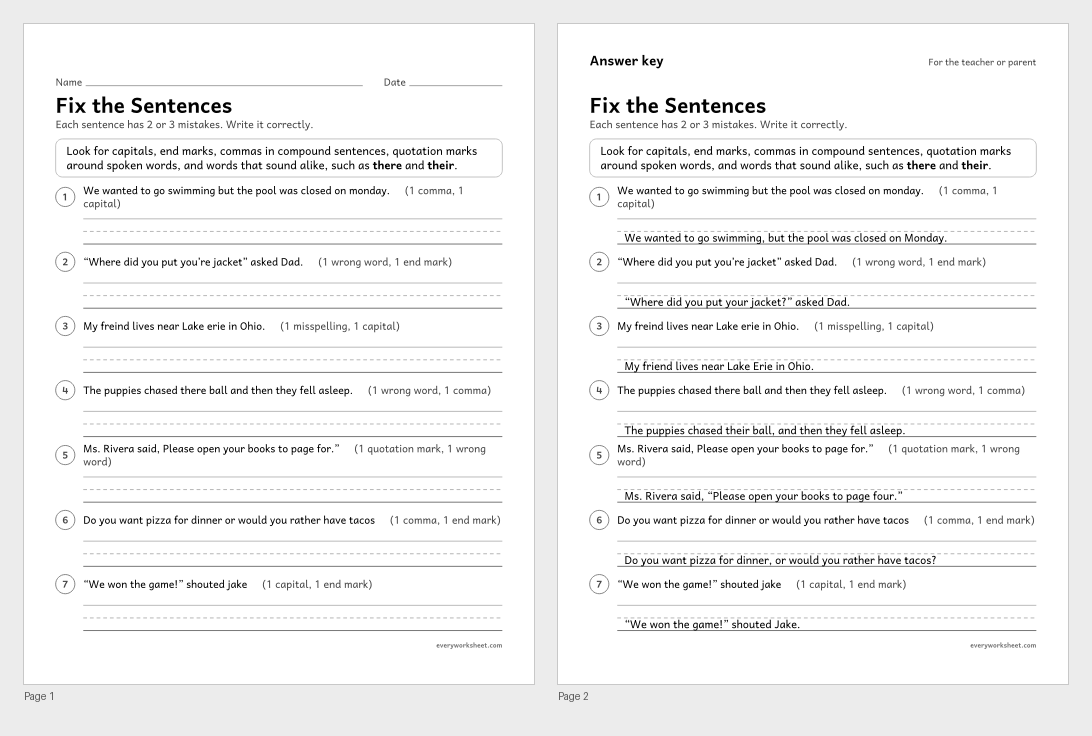
Editing sentences for commas, quotation marks, capitals, homophones, verbs, and spelling
Answer key on page 2
2 pages42 KB
 View larger
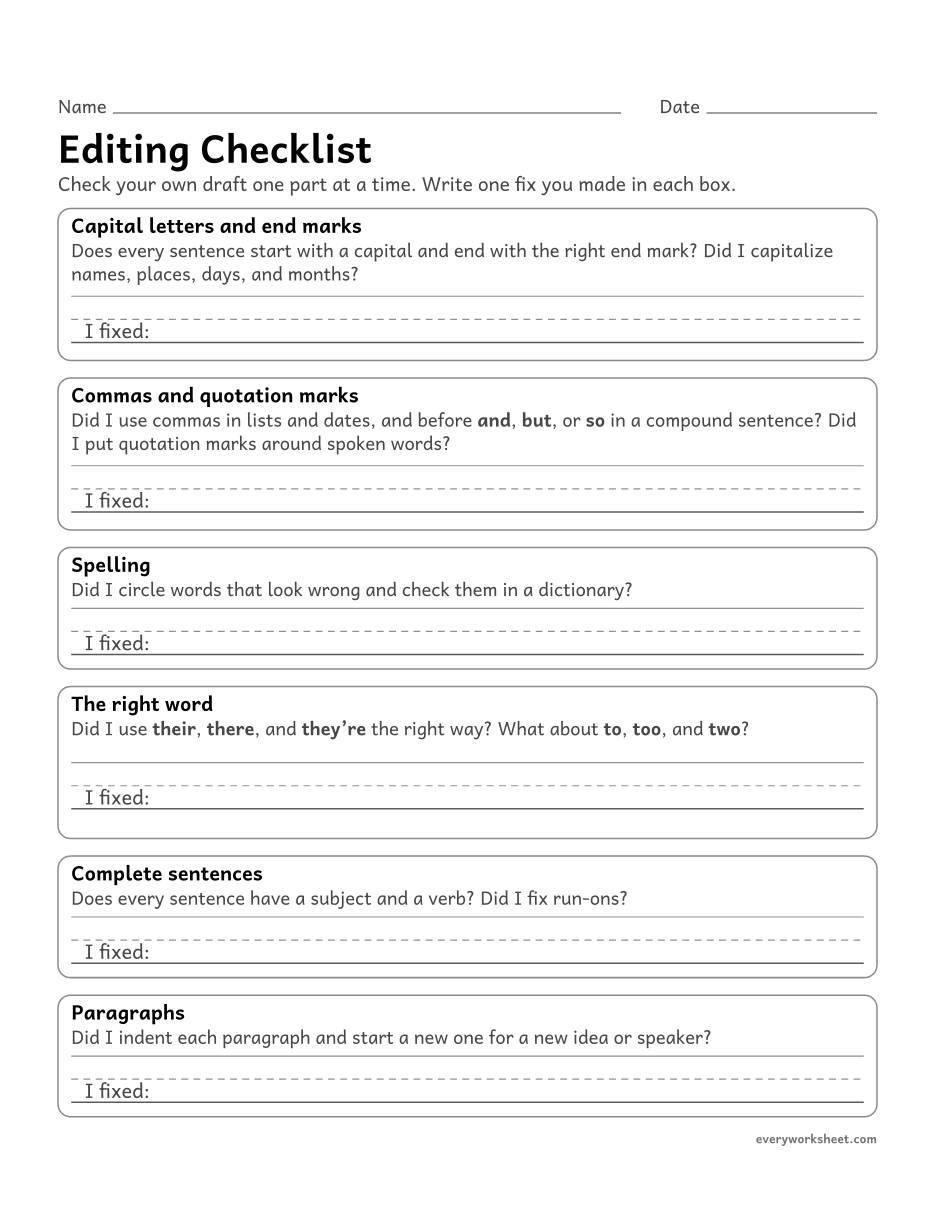
Editing your own writing for capitals, end marks, commas, quotation marks, spelling, word choice, and paragraphs
1 page32 KB
 View all 2 pages
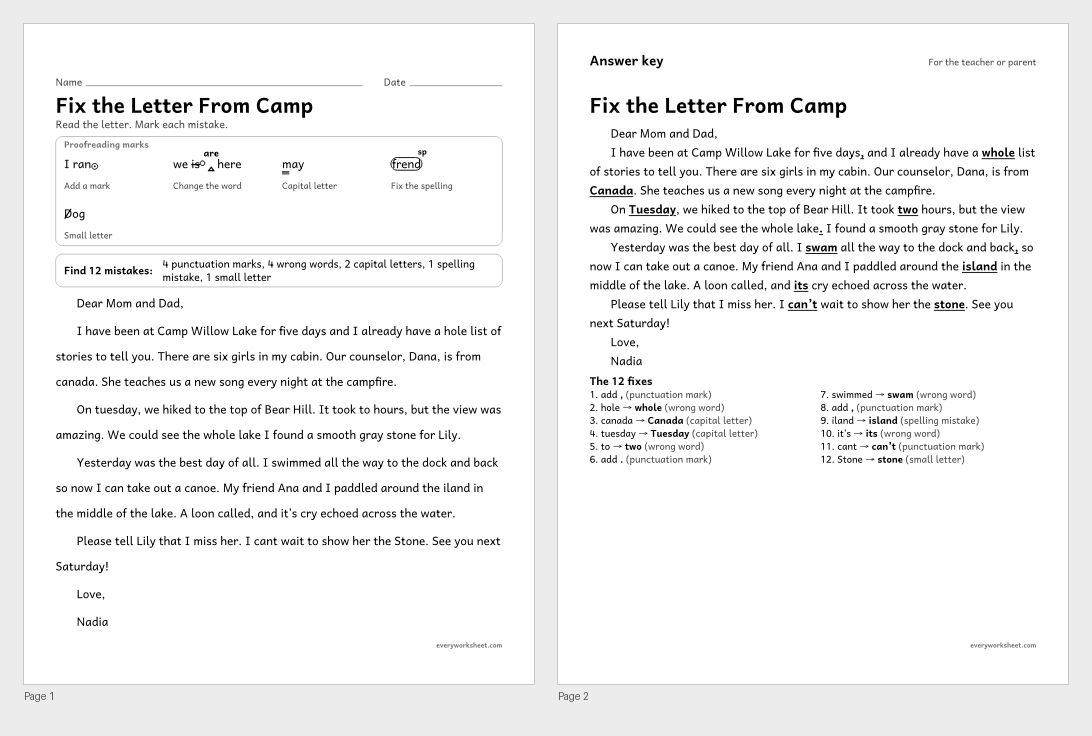
Proofreading a friendly letter for commas in compound sentences, capitals, apostrophes, homophones, verbs, and spelling
Answer key on page 2
2 pages47 KB
 View all 2 pages
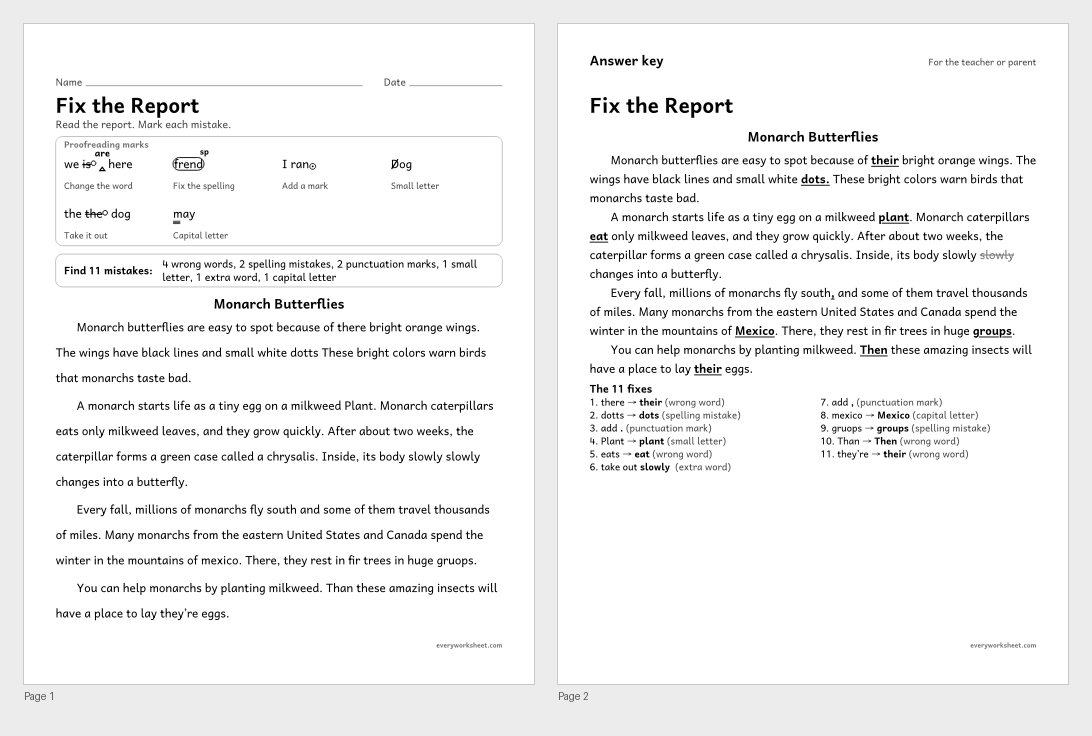
Proofreading a report for homophones, commas, capitals, subject-verb agreement, spelling, and an extra word
Answer key on page 2
2 pages47 KB
 View all 2 pages
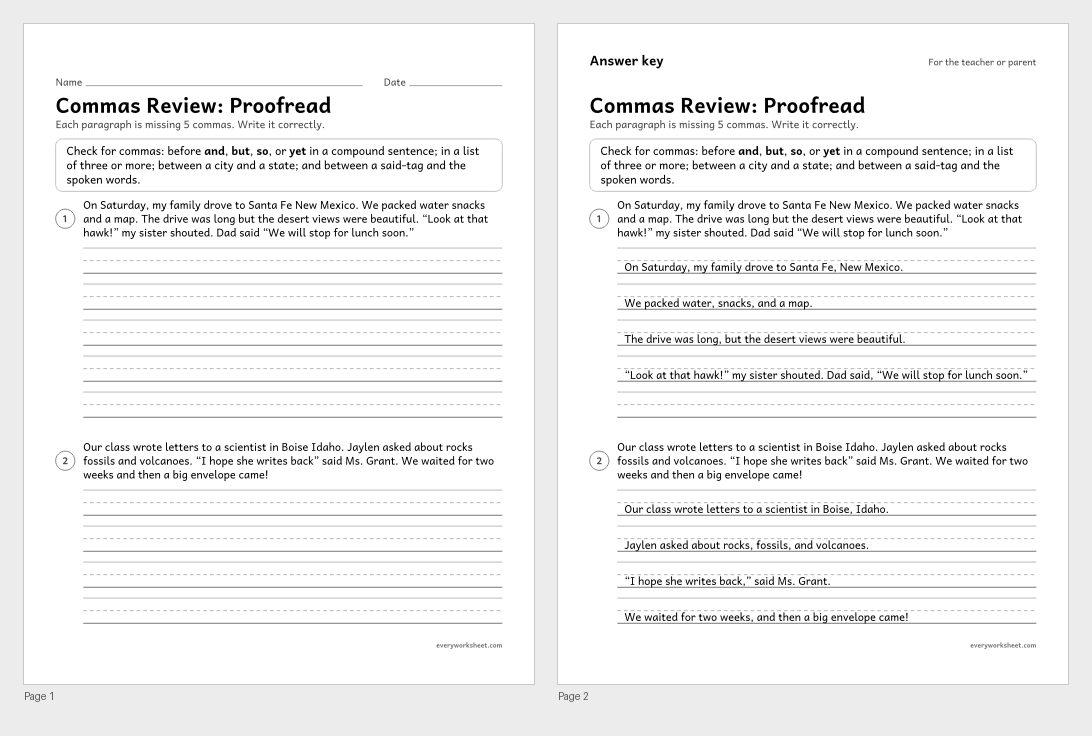
Editing for commas in compound sentences, lists, dialogue, and place names
Answer key on page 2
2 pages37 KB
 View all 2 pages
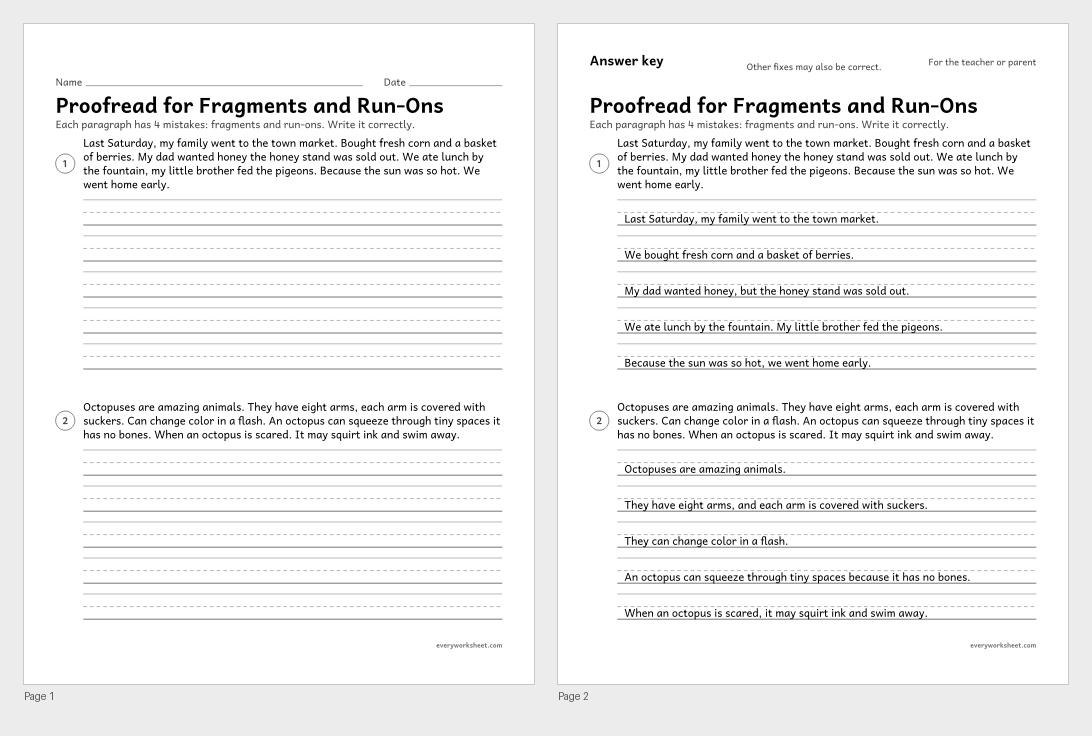
Editing a paragraph to fix fragments, run-ons, and comma splices
Answer key on page 2
2 pages34 KB
 View all 2 pages
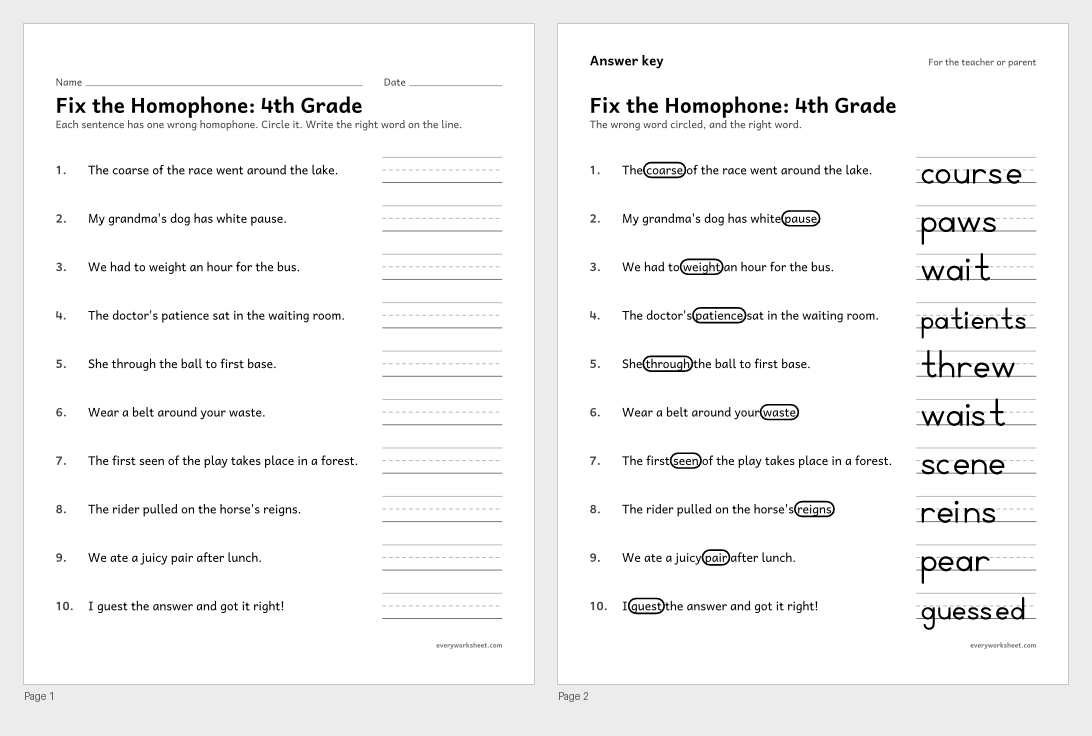
Finding and fixing the wrong homophone in a sentence
Answer key on page 2
2 pages49 KB
 View larger
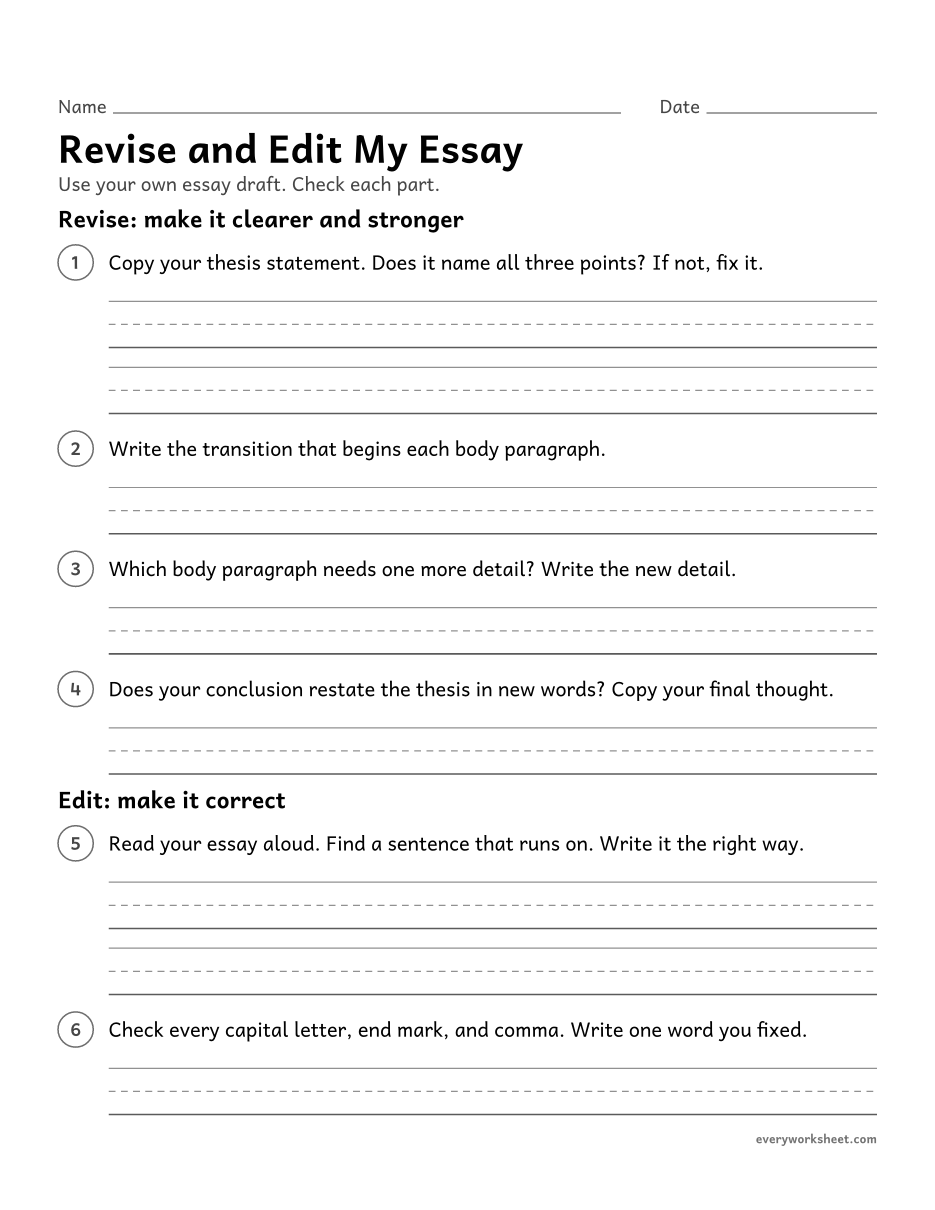
Revising and editing a five-paragraph essay draft with a checklist
1 page30 KB
 View all 2 pages
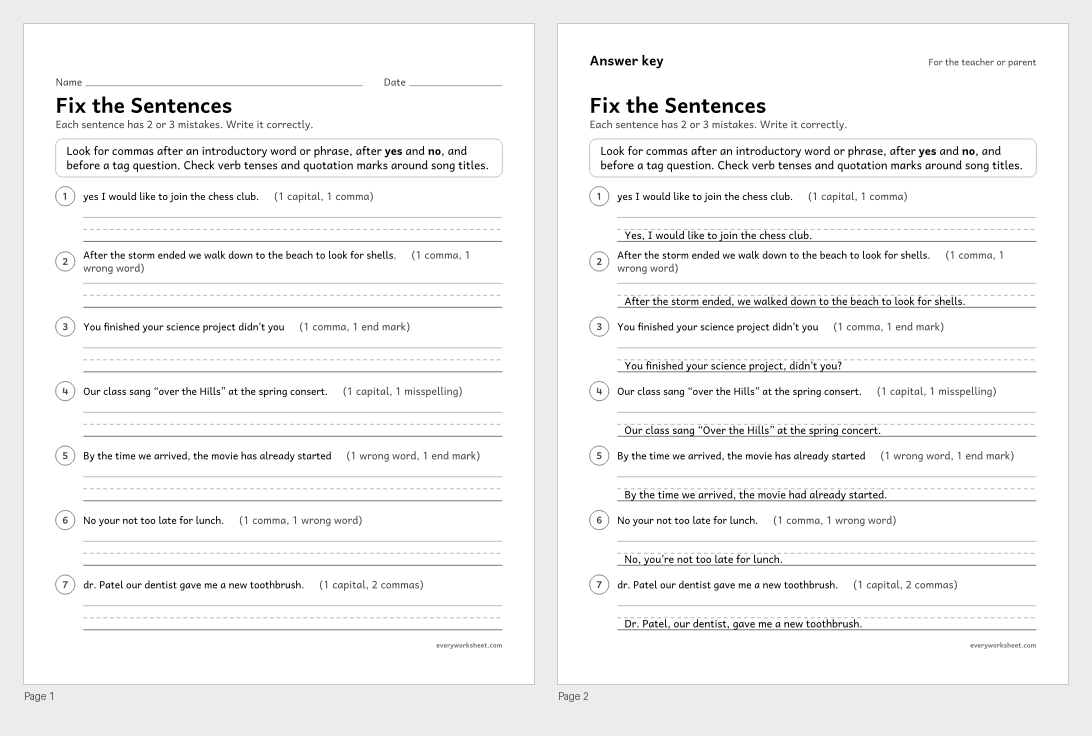
Editing sentences for introductory commas, yes and no, tag questions, titles, apostrophes, verb tense, and spelling
Answer key on page 2
2 pages42 KB
 View all 2 pages
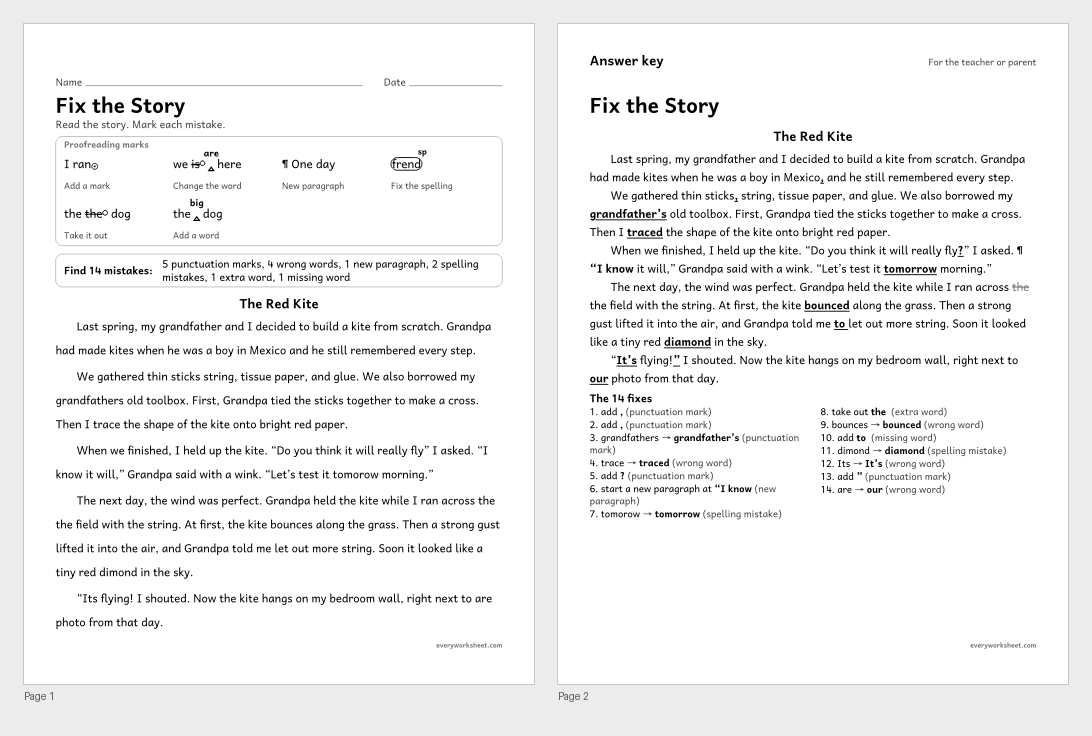
Proofreading a story for commas, quotation marks, apostrophes, homophones, verb tense, spelling, and a new paragraph
Answer key on page 2
2 pages50 KB
 View all 2 pages
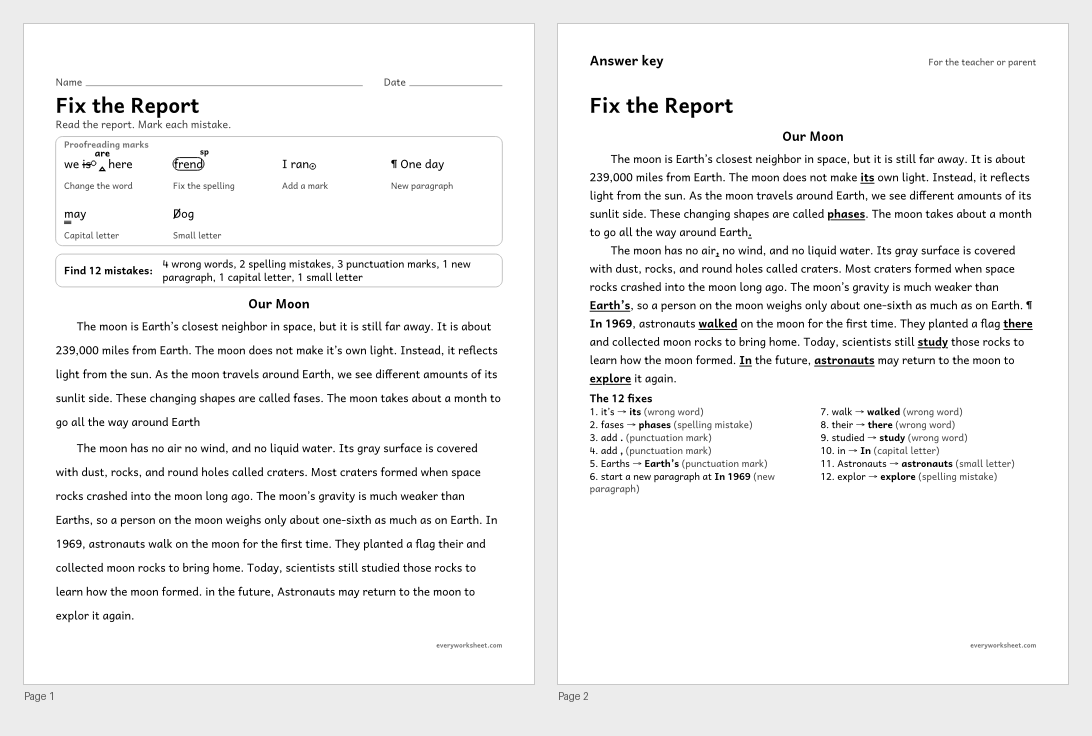
Proofreading a report for verb tense shifts, commas, apostrophes, homophones, capitals, spelling, and a new paragraph
Answer key on page 2
2 pages48 KB
 View all 2 pages
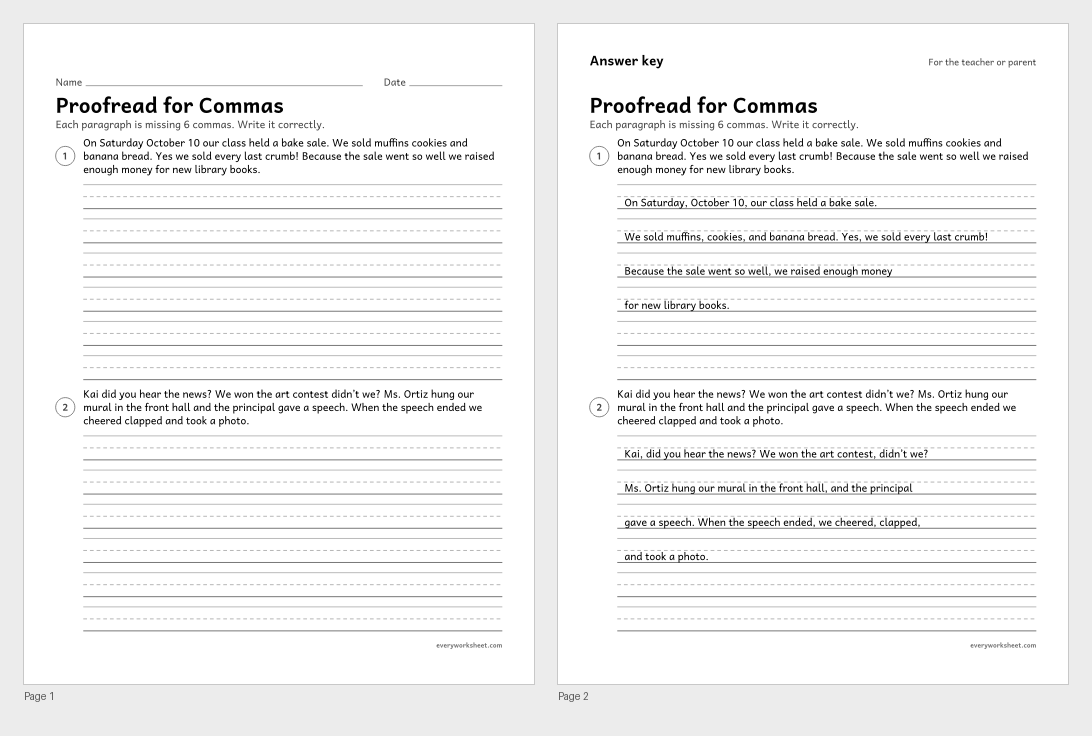
Editing a paragraph for commas (mixed comma rules)
Answer key on page 2
2 pages33 KB
 View all 2 pages
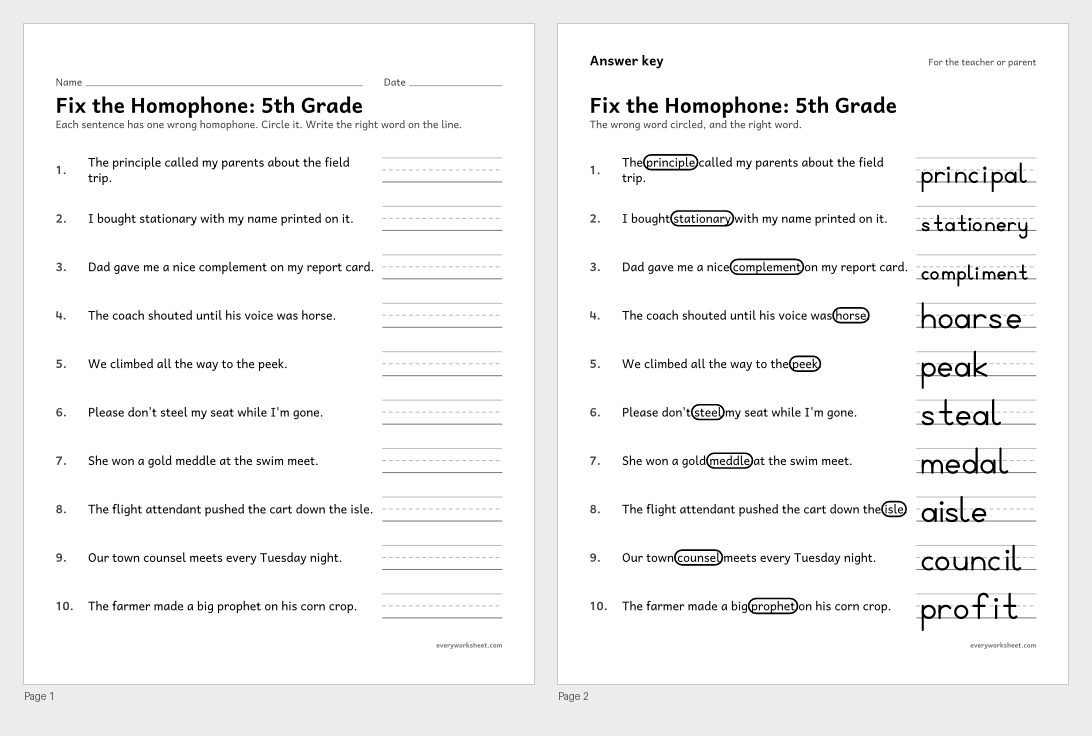
Finding and fixing the wrong homophone in a sentence
Answer key on page 2
2 pages50 KB
Print at 100% (actual size) for the cleanest tracing lines.
Editing and proofreading are the last steps before writing is finished. Editing means reading a draft closely and making it correct: fixing capital letters, punctuation, spelling, and words that don't fit, such as "the dogs barks" or "we goed home." Proofreading is the careful final check, often done with a pencil and a few simple marks. Three short lines under a letter mean "make this a capital." A circle around a word with "sp" above it means "check the spelling." A caret (a small upside-down V) shows where to add a missing word or comma, a loop through a word means "take it out," and the paragraph mark (¶) shows where a new paragraph should begin.
These worksheets teach the marks first and then put them to work. Each grade has a proofreading marks chart or checklist, two original texts with mistakes hidden in them (a friendly letter, a how-to, a story, or a short report with true facts), and a page of sentences to rewrite correctly. Every text page tells children how many mistakes of each kind to look for, so they know when they are done.
The mistakes grow with the grade. 2nd graders look for capital letters, end marks, and spelling. 3rd graders add verbs that don't match their subjects, small letters, and extra or missing words. 4th graders fix commas in compound sentences, apostrophes, and words that sound alike, such as their, there, and they're. 5th graders handle quotation marks, introductory commas, shifts in verb tense, and new paragraphs.
Every keyed page has an answer key that shows the corrected text with each fix in bold and a numbered list of the fixes, so checking takes a minute.
CCSS.ELA-LITERACY.L.2.2.ACapitalize holidays, product names, and geographic names.CCSS.ELA-LITERACY.L.2.2.BUse commas in greetings and closings of letters.CCSS.ELA-LITERACY.L.3.1.FEnsure subject-verb and pronoun-antecedent agreement.CCSS.ELA-LITERACY.L.3.2Demonstrate command of the conventions of standard English capitalization, punctuation, and spelling when writing.CCSS.ELA-LITERACY.L.4.1.GCorrectly use frequently confused words (e.g., to, too, two; there, their).CCSS.ELA-LITERACY.L.4.2Demonstrate command of the conventions of standard English capitalization, punctuation, and spelling when writing.CCSS.ELA-LITERACY.L.4.2.CUse a comma before a coordinating conjunction in a compound sentence.CCSS.ELA-LITERACY.L.5.1.DRecognize and correct inappropriate shifts in verb tense.CCSS.ELA-LITERACY.L.5.2Demonstrate command of the conventions of standard English capitalization, punctuation, and spelling when writing.CCSS.ELA-LITERACY.L.5.2.BUse a comma to separate an introductory element from the rest of the sentence.CCSS.ELA-LITERACY.W.2.5With guidance and support from adults and peers, focus on a topic and strengthen writing as needed by revising and editing.CCSS.ELA-LITERACY.W.3.5With guidance and support from peers and adults, develop and strengthen writing as needed by planning, revising, and editing.CCSS.ELA-LITERACY.W.4.5With guidance and support from peers and adults, develop and strengthen writing as needed by planning, revising, and editing.Editing is fixing a draft so it is correct and clear: capitals, punctuation, spelling, and grammar. Proofreading is the final careful check for any mistakes that are left, usually marked with proofreading marks before writing a clean copy.
Start with four: three lines under a letter to make a capital, a circled period or a caret for a missing end mark, a circle and "sp" for spelling, and a caret to add a word. Older children add the slash for a small letter, the loop to take something out, and the paragraph mark.
2nd grade texts have 7 or 8 mistakes, 3rd grade texts 9 or 10, 4th grade texts 11 or 12, and 5th grade texts 12 to 14. The page lists how many of each kind to find.
Yes. Every text and sentence page has an answer key with the corrected writing and each fix shown. The marks charts and the editing checklist are reference pages, so they have no key.